Maya Scripts
A downloadable tool
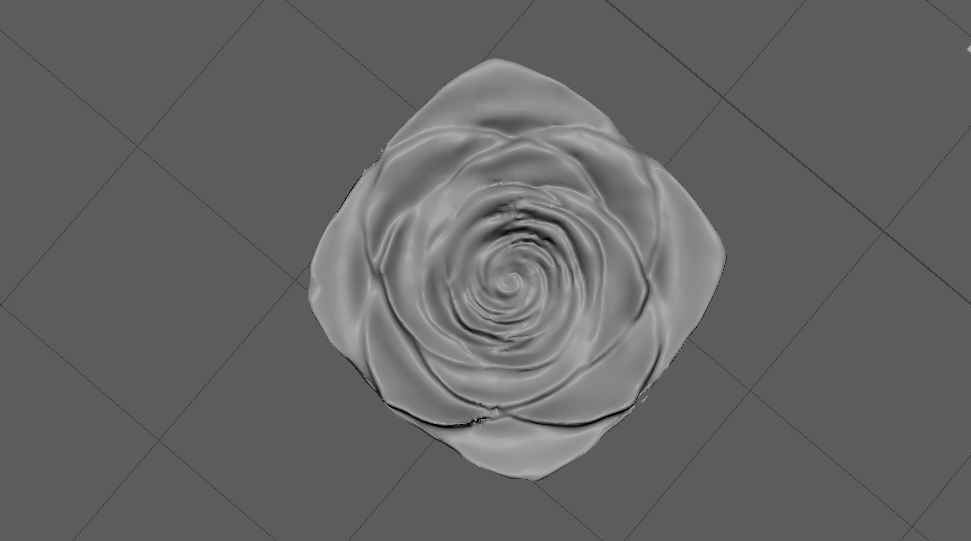
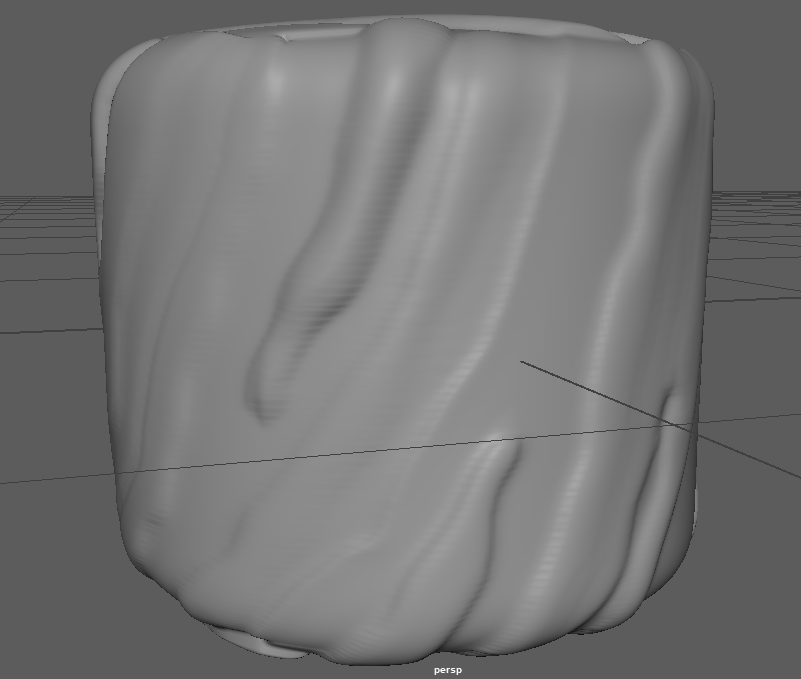
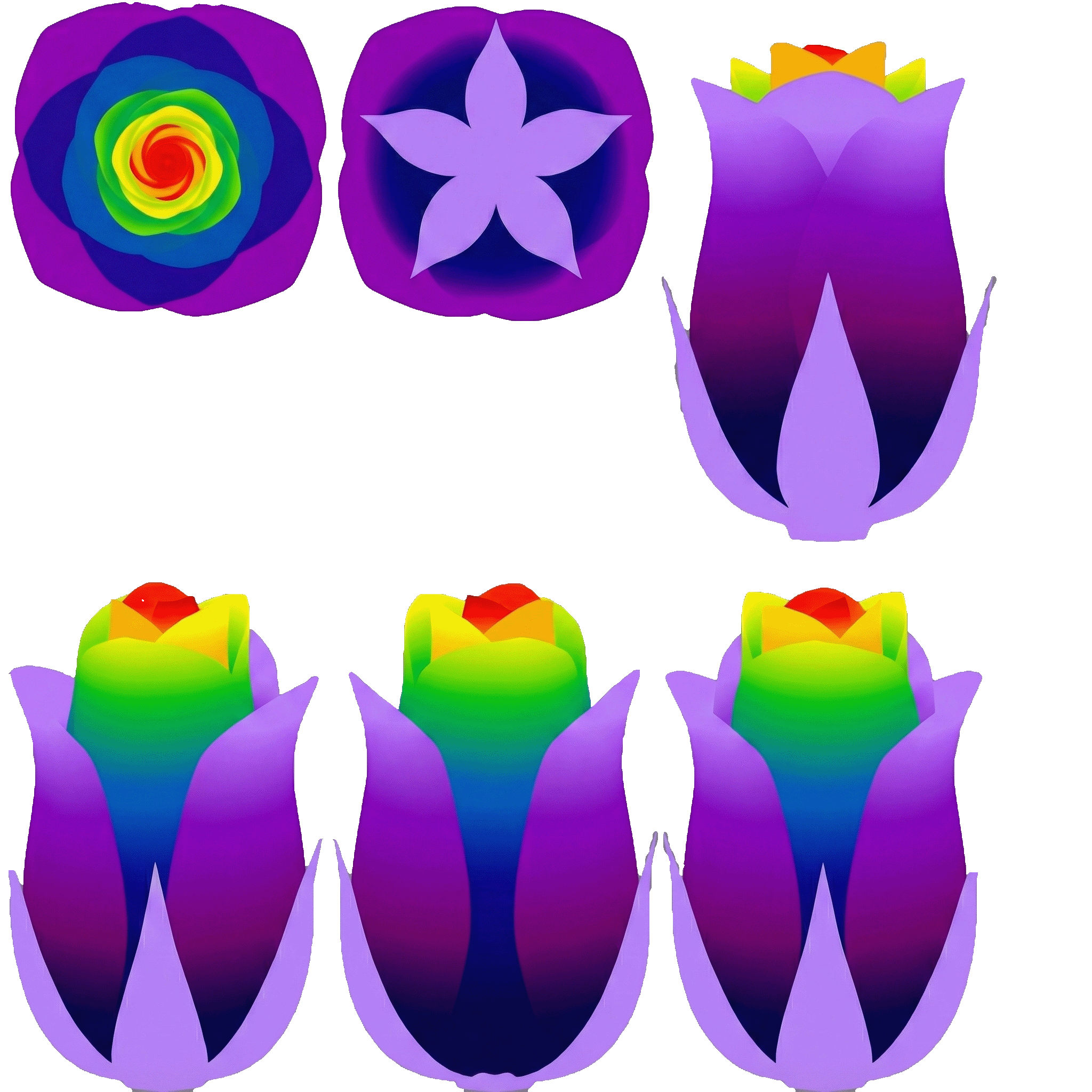
Maya AI scripts for different purposes in maya. Just simply run script and window will pop up. The script uses UV maps to generate the depth.
What the script does:
1. Texture Input & Processing
- Load Images: You can browse for any standard image file (JPG, PNG, TIF, etc.).
- Internal Test Pattern: It can generate a built-in colour wheel/gradient for testing without needing an external file.
- Texture Softness (Blur): A specific slider to "blur" the pixel data before calculating displacement. This is crucial for fixing jagged, pixelated, or "streaky" results, making the deformation look smoother and more organic.
- Alpha Support: You can choose whether to ignore transparent parts of the image (0 displacement).
2. Mesh Preparation
- Subdivision: A built-in tool to quickly subdivide the selected mesh, adding more vertices (density) so the deformation is higher resolution.
3. Advanced Calculation Modes (The "V3" Update)
- Luminance Mode (Brightness): Uses the light/dark values of the image.
- Custom Range: You have separate sliders for Light parts (how high they go) and Dark parts (how deep they dip).
- Saturation Mode (Vividness): Deforms based on how colourful a pixel is.
- Custom Range: Separate sliders for Vivid parts and Gray parts.
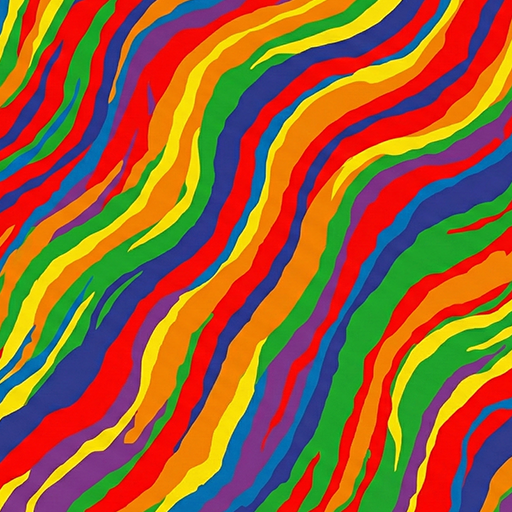
- Hue Mode (Specific Colours): Deforms based on specific colours.
- 7 Colour Sliders: You have individual control for Red, Orange, Yellow, Green, Blue, Dark Blue, and Purple. You can make Red push up (+0.5) while Blue pushes down (-0.5) simultaneously on the same mesh.
4. Global Adjustments
- Master Scale: A global multiplier to increase or decrease the intensity of all settings at once.
- Gamma: Adjusts the contrast curve of the input map (making the transition between low and high steeper or softer).
5. Post-Processing & Smoothing
- Global Smoothing: Runs a "Poly Average Vertex" operation to smooth out sharp peaks or noise.
- Manual Smoothing Button: A dedicated button to apply 10 iterations of smoothing to the selected mesh after the deformation is done, without re-running the whole calculation.
- Edge Flow: An option to attempt to conform edge spacing to the new curvature.
Download
Install instructions
Just paste into Script Editor and press Run.

Leave a comment
Log in with itch.io to leave a comment.